
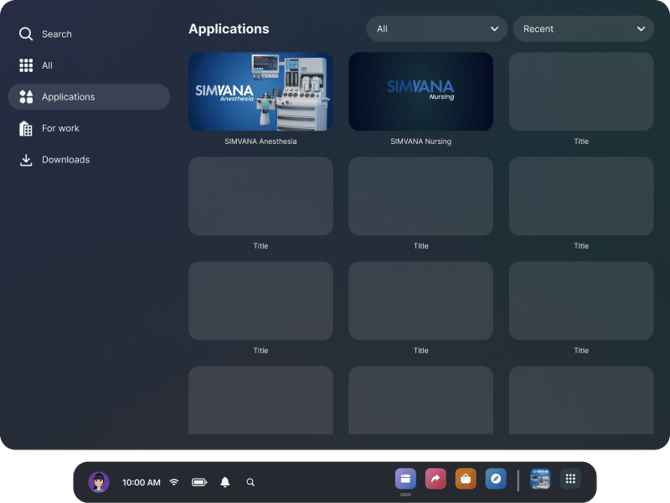
You can find SIMVANA apps in the Applications page of the main Horizon OS menu. Click on the app to launch it.
When you first launch a SIMVANA application, you will see a login screen. Logging into SIMVANA applications requires an email and a password. You should have set up your credentials when you received your initial welcome email.
Use the pinch or trigger interaction to select the email input box in the main menu. A keyboard will appear in front of you. Type in your credentials using the virtual keyboard. Once your credentials are entered, click the “Log In” button on the screen.
See SIMVANA Anesthesia Controls or SIMVANA Nursing Controls for more detail on interacting with the menus.